First go to Settings > Security > Encryption > Lock Screen. Select the PIN code option and enter your PIN code.
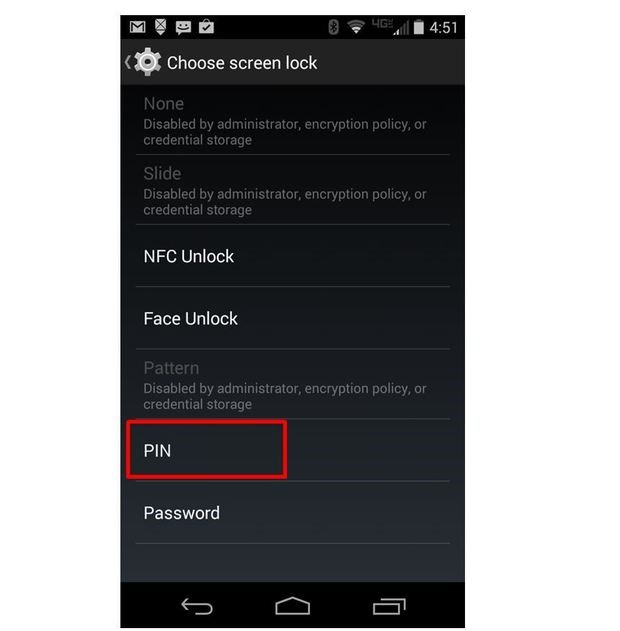
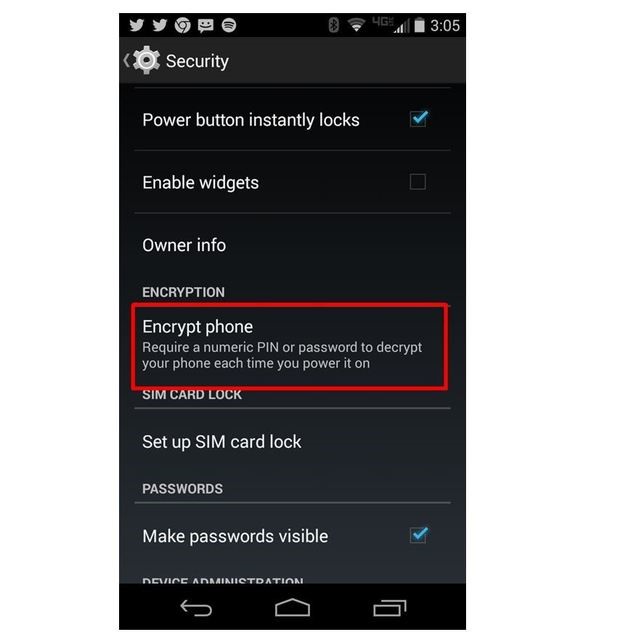
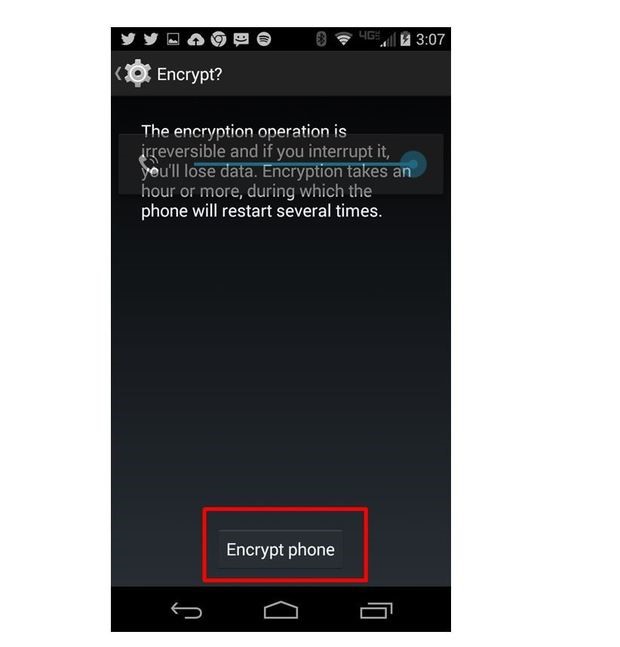
. Your Android device is ready for encryption. From the Settings menu, select Settings > Security > Encryption > Tablet Encryption or Phone Encryption to open the encryption screen shown below.
On the next screen, enter the PIN or password you created earlier. In this case, a short PIN is used to reduce device encryption time. In practice, longer random passwords are better.
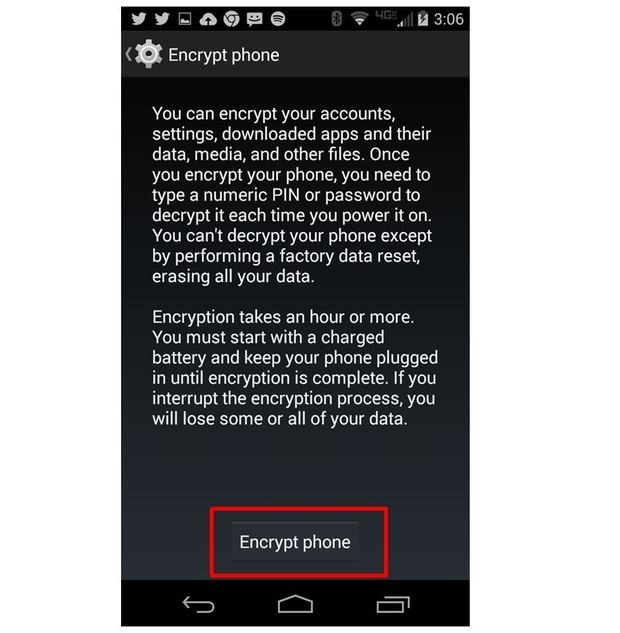
Your Android device must be connected to a charger or it will not be encrypted. Click the Encrypt button.
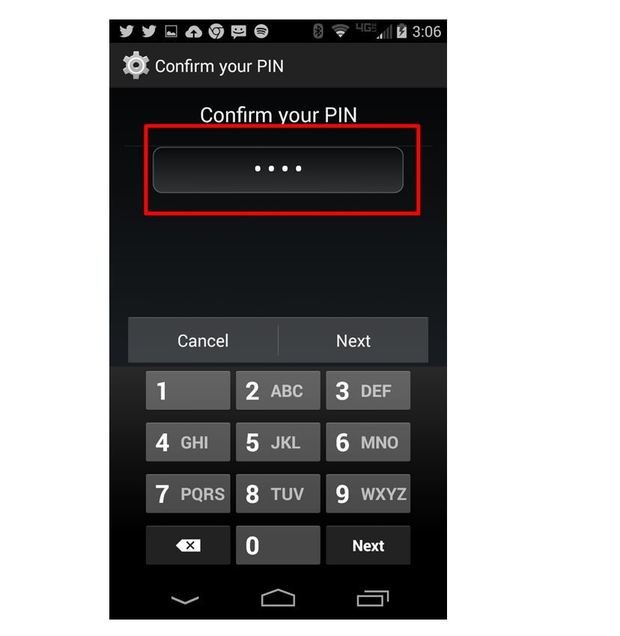
PIN or password is required to proceed to the final stage of device encryption.
Depending on the length of your PIN or password, encryption can take up to an hour.
The Android device is now encrypted. Every time the Android device is turned on it will require a PIN or password to start.
Your Android device is already encrypted. Every time you turn on your Android device, you will need a PIN or password to download.

.jpeg)
No comments:
Post a Comment